
Garage owners
- Centralized visibility of every job
- Job status and workflow tracking
- Staff coordination across roles
- Billing and payment visibility
- Vehicle movement visibility
- Notifications for important business events


A TVASTRI product
Owners and managers see every job at a glance. Service advisors share digital estimates that customers approve on their phone. Technicians work from structured tasks. Billing follows the approved work through to payment, and customers follow their vehicle from check-in to delivery.
The connected journey
From a booking at home to the delivered vehicle, one job card connects every role. Scroll on: the same car carries on through the garage, down the road and back home behind the rest of this page. Sample vehicle, sample customer, illustrative garage. No real data.
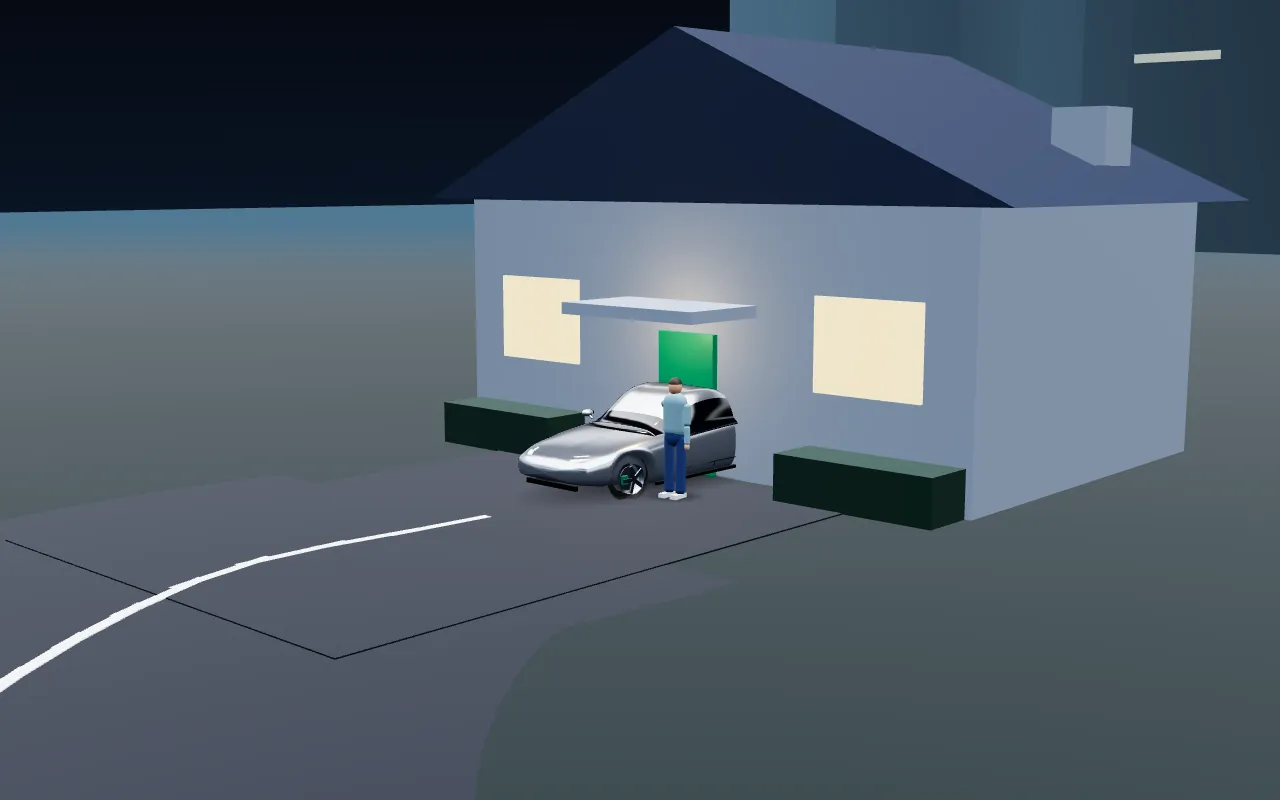
A customer books a service in the app, optionally asking for vehicle pickup.

The car heads to the garage. When pickup is requested, a driver collects it and the customer follows the trip live on a map.
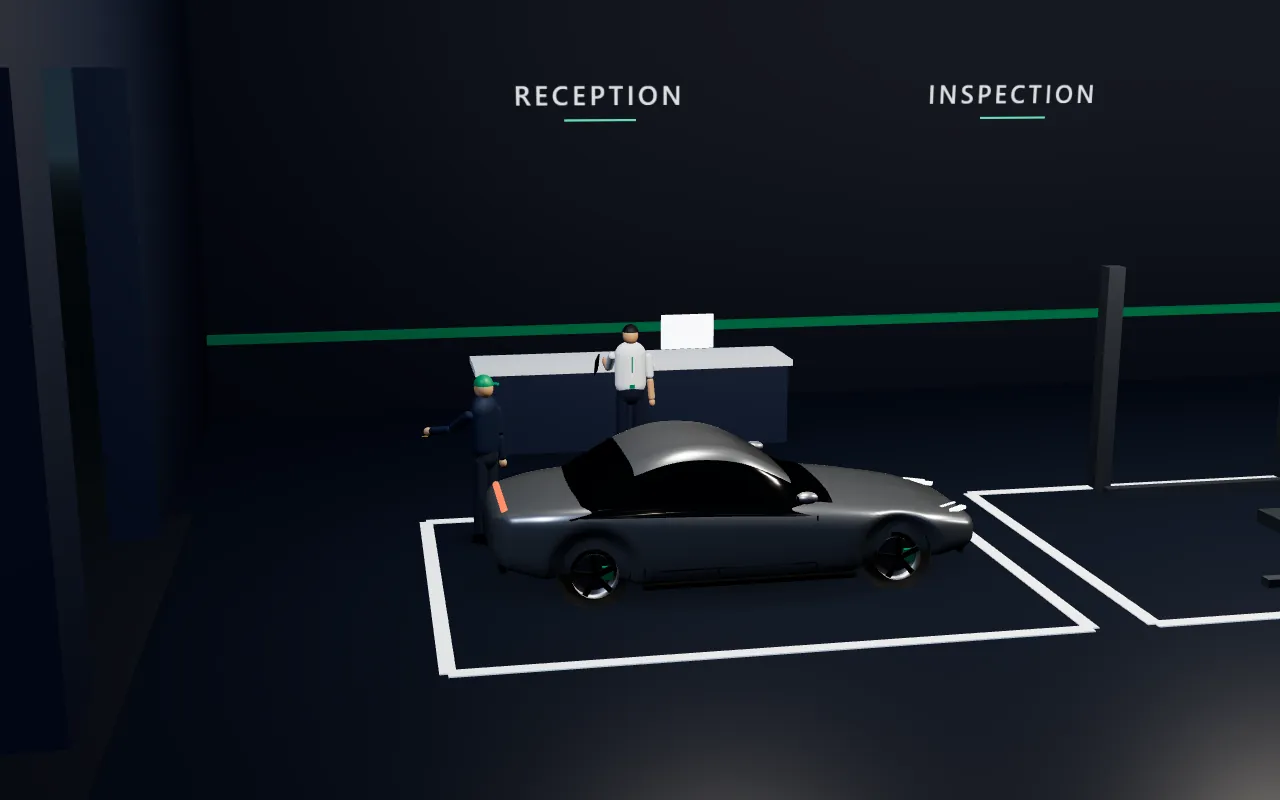
A manager or service advisor receives the vehicle and starts the job card, the single record for this visit.
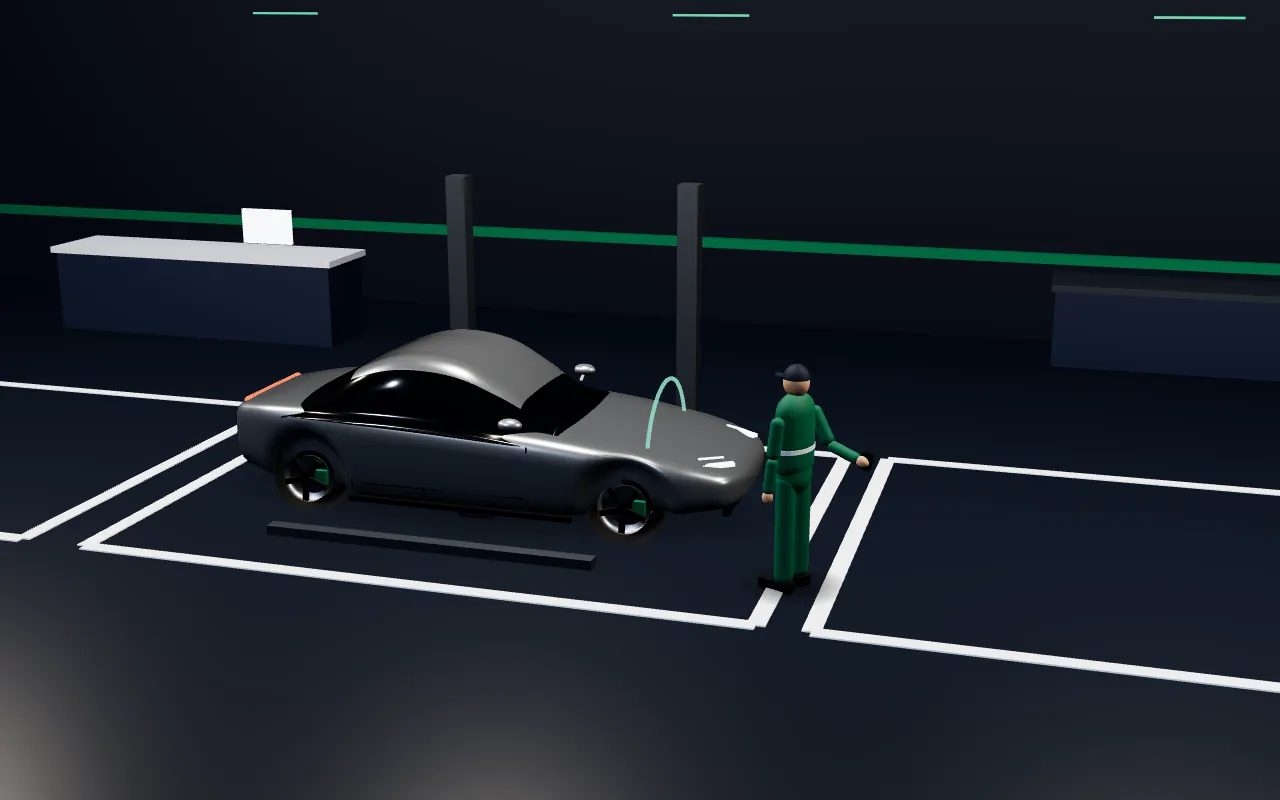
The inspection is recorded against the job card. Photos and videos carry capture time and location details.
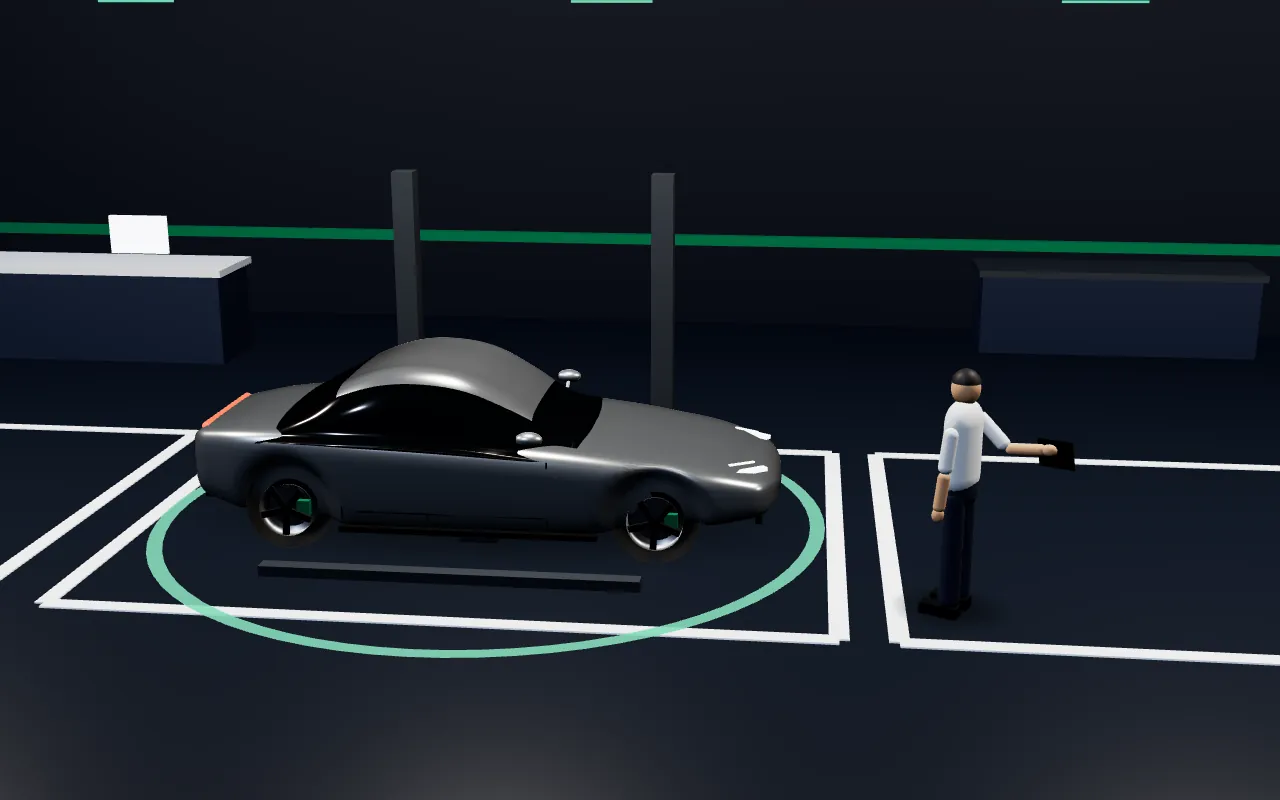
The garage prepares an itemised estimate. The customer reviews it on their phone and approves or rejects it. Repair starts after the manager's confirmation.
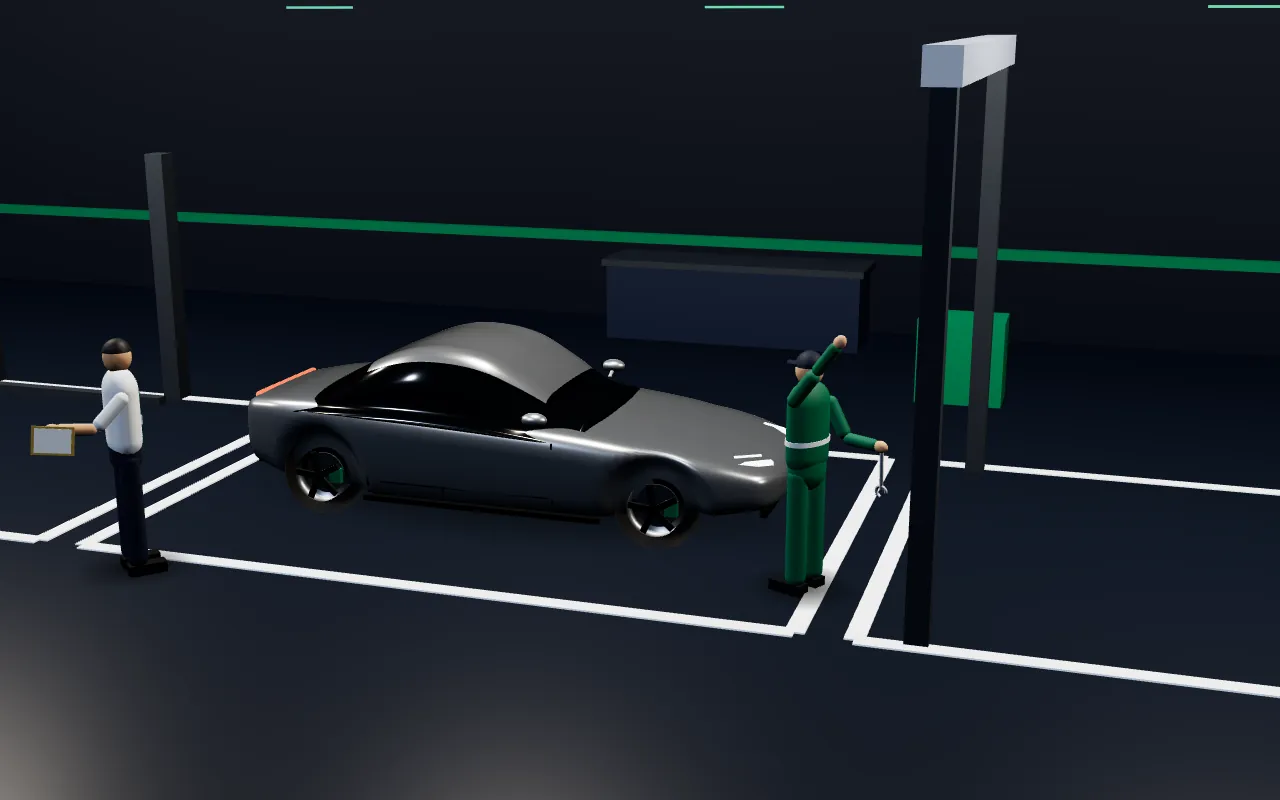
Repair tasks are assigned to a technician, who accepts, starts and completes them. Evidence photos can be added to the job.
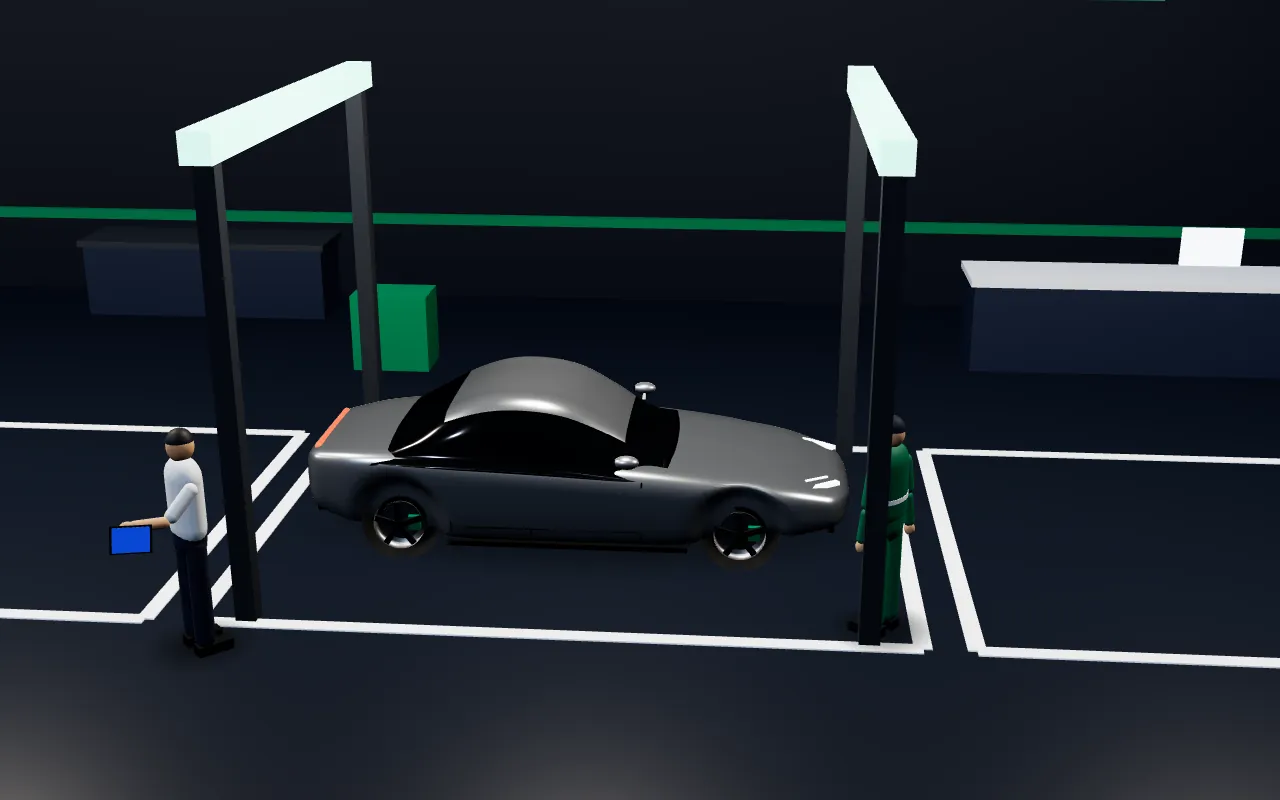
A finished repair goes through quality check before invoicing. If it fails, the job returns to repair as rework.
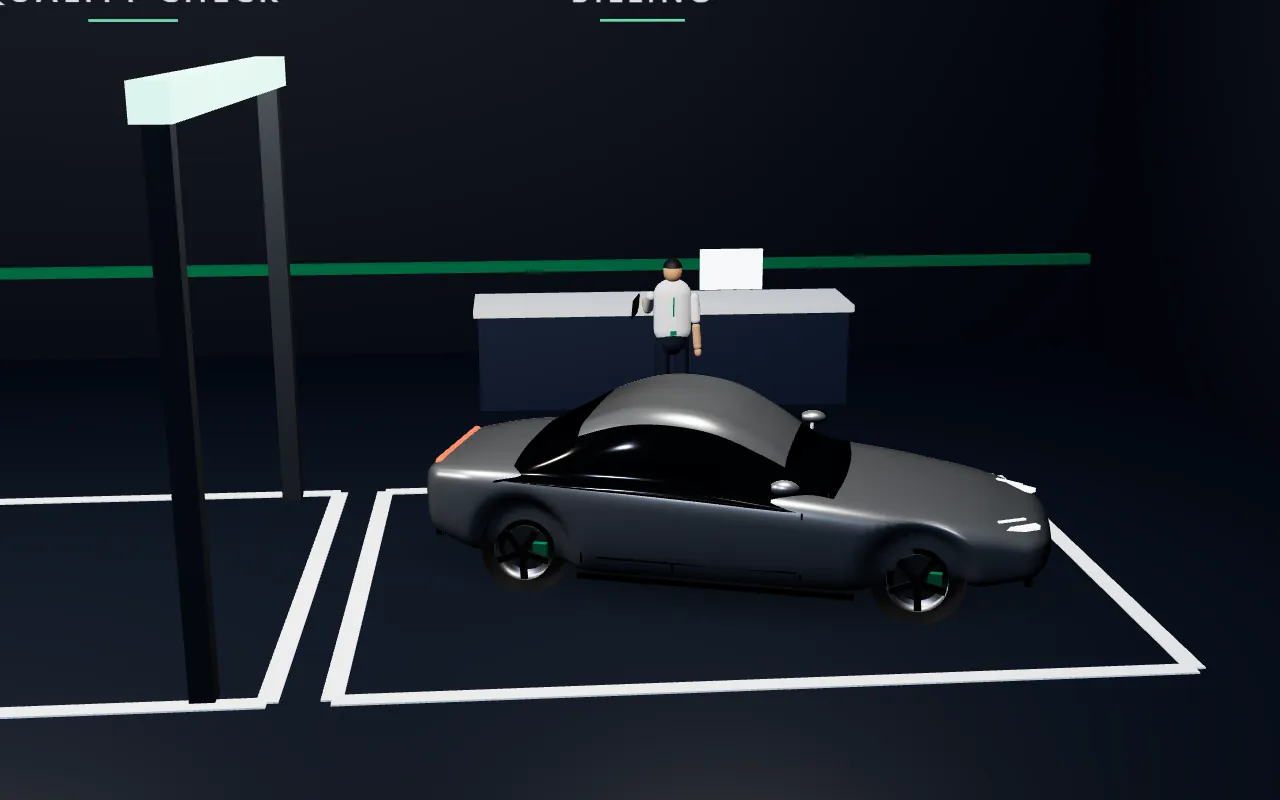
The invoice is generated from the approved estimate. Payments are recorded in GarageST, in full or in part.

A driver takes the car back with the same live-trip and verified-handover tools as pickup, or the customer collects it in person.

The customer confirms the handover with a code and the delivery is recorded. The garage closes the job once the invoice is fully paid.
The complete lifecycle
Pickup applies when the customer asks for it. Every step is tracked against the same job card.
The job card
The job card is the single record for the vehicle's visit. Nothing is typed twice.
Who it's for
Each person sees the work that is theirs, in a workspace built for that role.
Invoices ready for payment. Full or part payments by cash, UPI, card or bank transfer, with protection against double payments and a payment history.
Review payments and transactions, outstanding amounts and a payment-method summary. View-only: reviews, never collects.
A parts catalogue with stock levels, stock in and out, adjustments, movement history, low-stock lists, and issuing parts against a job card.
Features
Inspection templates guide the technician through each area. Each customer complaint is inspected and recorded, and photos and videos travel with the job.
An itemised estimate on the customer's phone, approved or rejected digitally. A manager confirmation gate sits before repair starts.
Tasks per technician, from assigned to completed. The job moves to repair completed only when every task is complete.
Quality is verified before the customer is invoiced. A failed check returns the job to repair as rework and notifies the team.
Invoices generated from the approved estimate, branded with the garage's name and logo, with GST and payment status shown. Download and share the PDF.
The customer chooses the pickup point on a map. The garage confirms and assigns a driver. Delivery uses the same tools, or the customer collects in person.
Follow a pickup or delivery trip on a map, with route, distance and ETA. Managers and owners see their drivers on a fleet map.
The customer shows a handover code and the driver confirms it, at pickup and at delivery. Evidence photos record the vehicle's condition.
Photos and videos carry capture time and location details. Uploads continue in the background and retry if the network drops.
Important workflow events reach the right person, with an in-app history and unread badge. Push notifications are available on Android.
Message from the booking, job card or trip, and call with one tap through the phone's own dialer. People not involved in the job cannot see the conversation.
Created when a job is closed: a customer version and a garage version. The customer version leaves out internal notes and internal photos.
Trust
Every user signs in, and sessions use secure tokens.
Each role gets its own workspace with the actions that role needs.
Customers, vehicles, staff, estimates, deliveries and payments stay within the garage.
Customers only reach their own vehicles and jobs, even across several garages.
Photos and videos are private and opened with short-lived links.
A one-time code can confirm the mobile number at registration where enabled, and a handover code confirms the vehicle changed hands.
Good to know
GarageST's push notifications have been validated on Android. Payments are recorded inside GarageST, in full or in part. The following are not part of the current product: an online payment gateway, refunds and receipt PDFs, supplier and purchase-order management, iOS push notifications, WhatsApp or e-mail verification codes, advanced branch or franchise management, and in-app internet voice calling.
Get the app
From vehicle arrival to vehicle delivery, one connected digital journey.
App store links will appear here once the app is published. Availability is announced by TVASTRI; no download links are shown until they are verified.
Contact
Public contact details will be published here shortly. For privacy or account-deletion requests, please use the links below.